
/
Interactive step-by-step video guide for the NEC MIES® ITSM platform. Follow along to learn each feature hands-on.
This portal is your central hub for MIES® updates, enablement, and go-to-market resources. Designed for MIES® customers and partners, it provides quick access to the latest announcements, feature updates, training materials, and sales & marketing assets — all in one place.


The latest MIES® update introduces improvements to the self-service experience, helping users access support and manage requests more efficiently through a simplified and intuitive interface.

Recognised as one of the Top 250 Managed Security Service Providers (MSSPs) for 2025 by MSSP Alert and CyberRisk Alliance

Access MIES® training materials, guides, and learning resources to build practical expertise.



Choose the right license tier for your organisation. From basic self-service access to full administrator control, every MIES® license is built to scale with your IT service management needs.
License Comparison
| Feature Category |
End User
Basic IT Service Access
|
Silver
Core ITSM Solution
|
Gold
Advanced ITSM Solution
|
|---|---|---|---|
| Core Features | Basic ticketing access | ITSM Ticketing Management | Everything in Silver + advanced management tools |
| Roles & Access | End User only | End User, Approver, Fulfillers / Field Engineers | Same as Silver + Administrator management |
| MIES® Web Platform | Self-Service Portal only | Self-Service, Ticket Console, Incident & Request Management | Silver features + Asset Management + Service Level Management |
| Asset Management | Not Available | Not Available | Asset Inventory, IMAC Forms, Asset Dashboard |
| Service Request | Submit basic service requests | Submit requests (self/others), delegate approvals, manage requests | Silver features + Service Catalog & workflow setup |
| Knowledge Management | View knowledge articles | Access IT knowledgebase & create articles | Same as Silver |
| Field Service | Not Available | Dispatch Map for engineer tracking | Same as Silver |
| Mobile App | Report incidents, submit requests, view tickets, notifications | Silver features + delegate tickets | Same as Silver |
| Service Level Management | Not Available | Not Available | SLA definition & real-time compliance tracking |
| Administration | Not Available | Not Available | Foundation Data Setup, Mailbox, Workflow Automation, Business Hours |
Self-service portal access with core incident reporting and request submission.
Full ITSM ticketing, analytics, and role-based access for Approvers and Field Engineers.
Web Features
Mobile Features
Enhanced Web Console
Field Service Capabilities
All Silver features plus Asset Management, Service Level Management, and full Administration.
Asset Inventory
IMAC Forms
Asset Dashboard
SLA Definition
SLA Measurement
Foundation Data Setup
Workflow Management
Platform Configuration
Get in touch with our team to discuss your organisation's needs and licensing options.
Contact Us
Sign in with your portal credentials.
Fill in the details below and the portal administrator will process your password reset.
Your password reset request has been sent to the portal administrator. You will receive instructions at your company email address within 1–2 working days.
Open Google or Microsoft Authenticator and enter the 6-digit code for
Welcome to the MIES® training hub. This portal provides interactive, step-by-step video walkthroughs and user guides for every module of the MIES® ITSM platform. Whether you are a new user getting started or need a refresher on a specific workflow, select a module below to begin.
Select from the 6 modules below to explore a specific area of the MIES® ITSM platform.
Each module includes an overview, downloadable user guides, and interactive video walkthroughs.
Navigate freely between modules and videos — pick up where you left off anytime.
Submit and track tickets, manage passwords, and configure account settings through the self-service console.
5 videos · 3 user guidesLog, track, escalate, and resolve incidents — with templates, ticket tools, and a real-time dashboard.
6 videos · 1 user guideSubmit, search, and manage service requests — including work order orchestration and approval flows.
6 videos · 1 user guideCreate, search, update, and template work orders for structured task assignment and tracking.
4 videos · 1 user guideBrowse the knowledge base, use the management console, and create or manage knowledge articles.
3 videos · 1 user guideManage the full asset lifecycle — logging, inventory, IMAC forms, and dashboard reporting.
7 videos · 1 user guideModule description goes here.
Content for this module can be added here.
Interactive step-by-step video guide for the NEC MIES® ITSM platform. Follow along to learn each feature hands-on.
Modern business demands more than infrastructure management—it requires cognitive orchestration. The NEC MIES® Ecosystem converges fragmented IT environments into a single, self-healing architecture. By leveraging predictive AI and automated response, we enable your company to transition from reactive maintenance to AI-powered acceleration, ensuring total operational resilience in a volatile digital economy.
Recognised as one of the Top 250 Managed Security Service Providers (MSSPs) for 2025 by MSSP Alert and CyberRisk Alliance
Won Best in Observability & Monitoring at 6th CybersecAsia Readers' Choice Award
Received 2025 Southeast Asian Digital Workplace Management Services Customer Value Leadership Award by Frost & Sullivan
Achieved <Partner Award for Cyber Transformation Partner 2025> by Securonix
Pre-launch of MIES® Agentic Intelligent Workforce for Development QA
Recognised as one of the Top 250 Managed Security Service Providers (MSSPs) for 2025 by MSSP Alert and CyberRisk Alliance
 PDF
PDF
An overview of the MIES® Ecosystem and its core capabilities.
Click to read →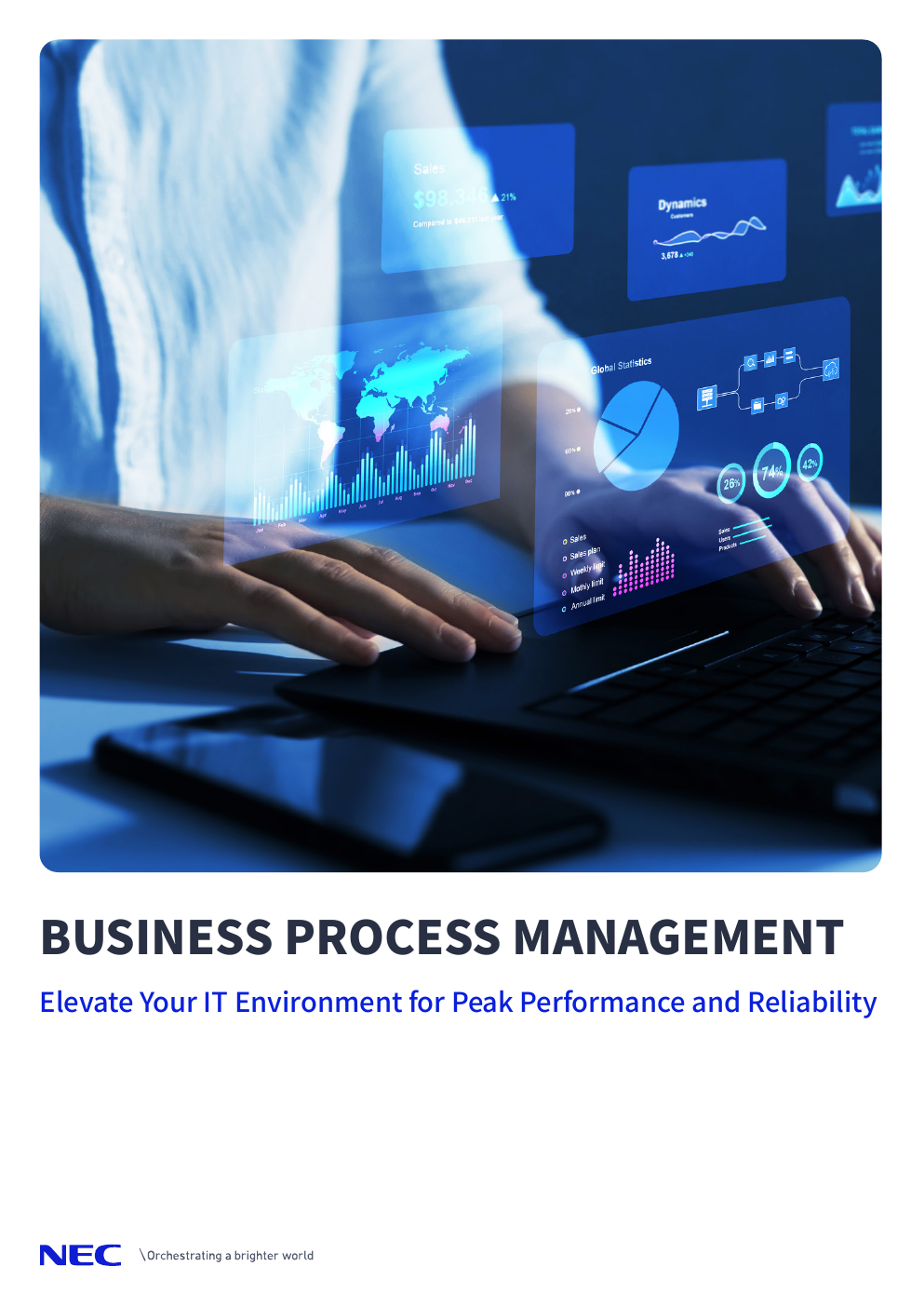 PDF
PDF
Elevate your day to day processes with our Certified Auditors.
Click to read →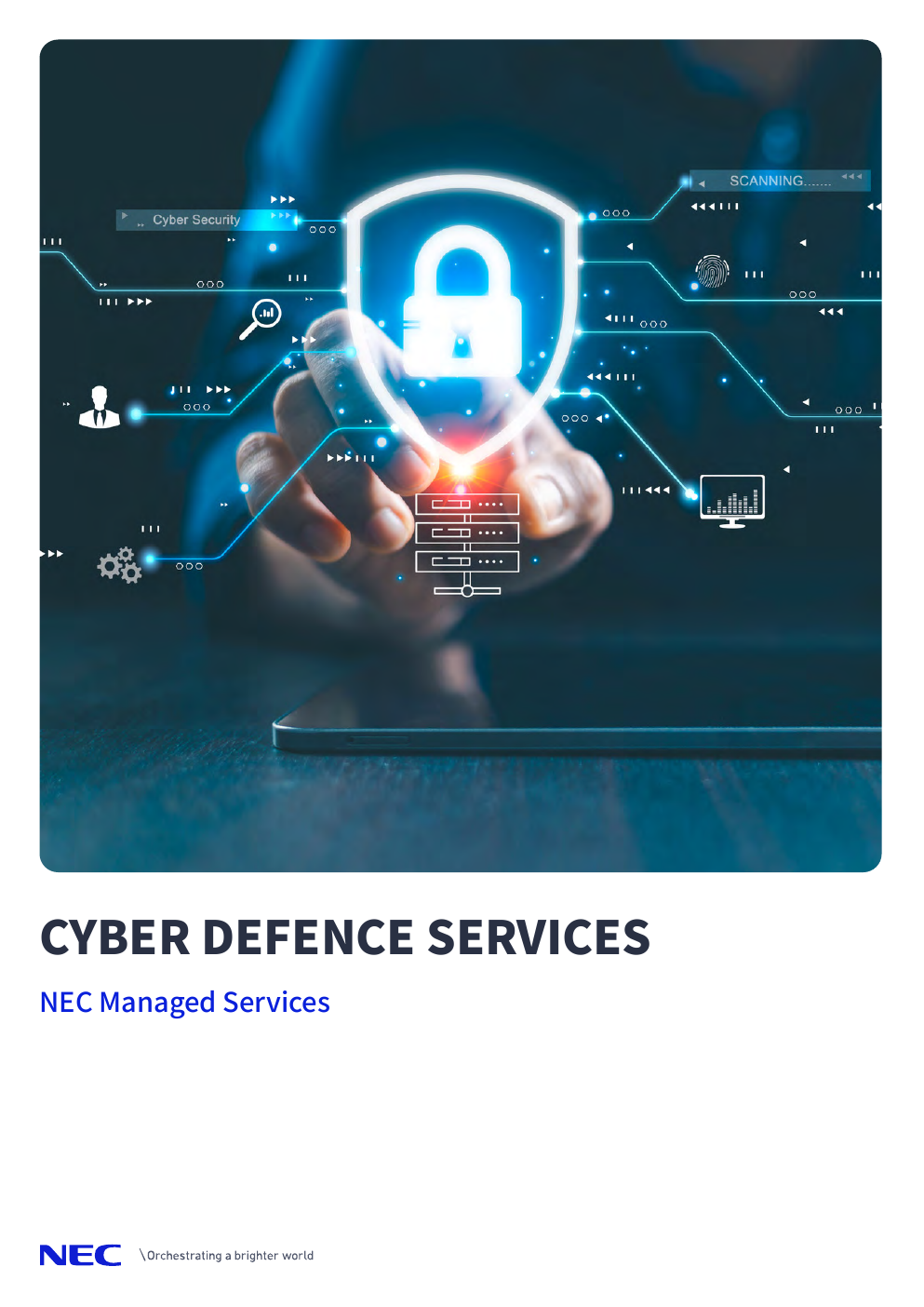 PDF
PDF
Advanced threat protection and AI-driven security operations.
Click to read →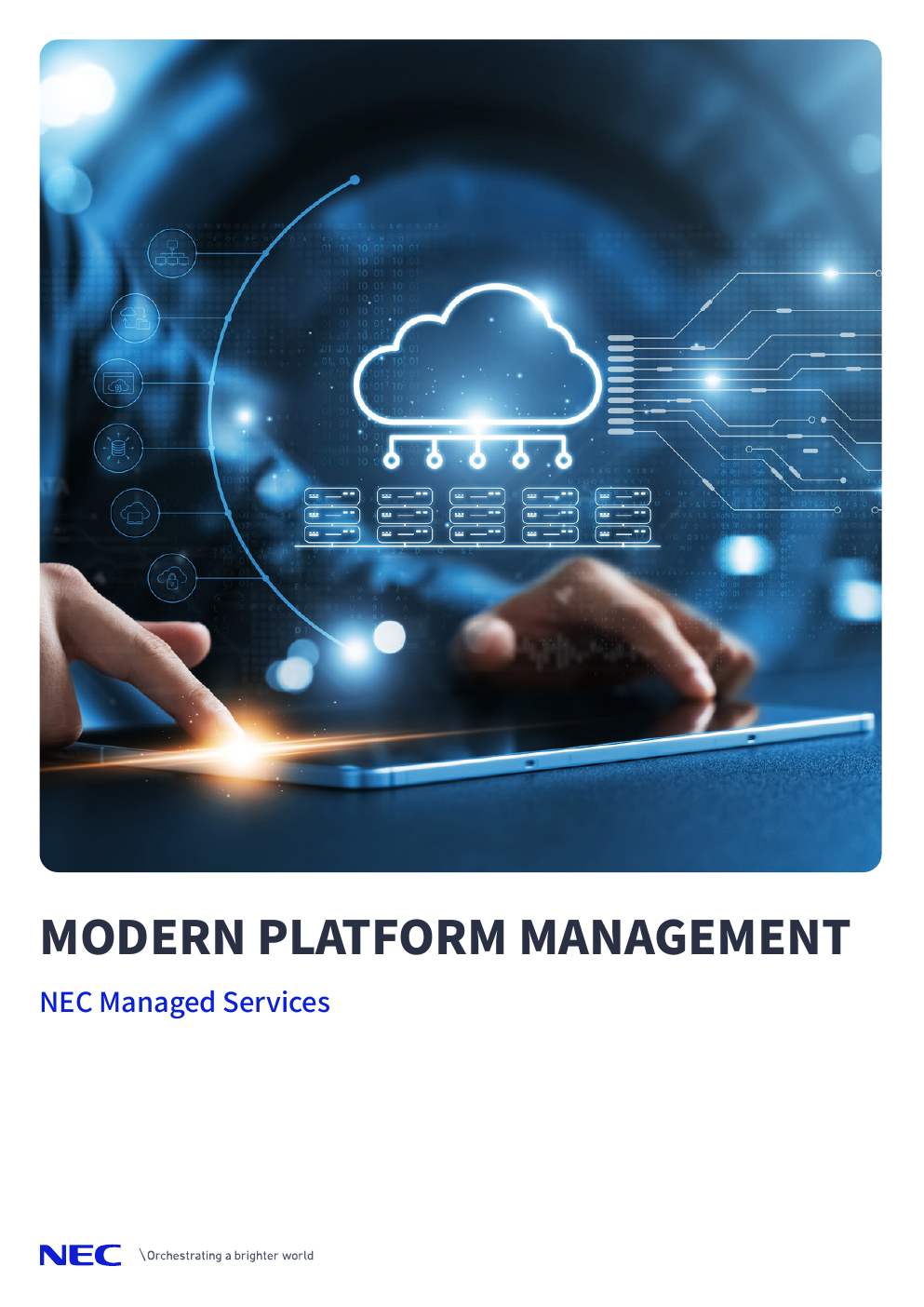 PDF
PDF
Strategies for optimising hybrid cloud environments.
Click to read →We'd love to hear from you. Fill in the form below and our team will get back to you shortly.
Thank you for reaching out. A member of our team will be in touch with you soon.